Install the free alpha on your Android phone
It always downloads the newest version. Its version number and SHA-256 checksum are on the release page.
Why the warnings?
The app isn't in Google Play yet, so Android treats it as coming from an unknown source. Nothing is wrong with the file.
1Download it
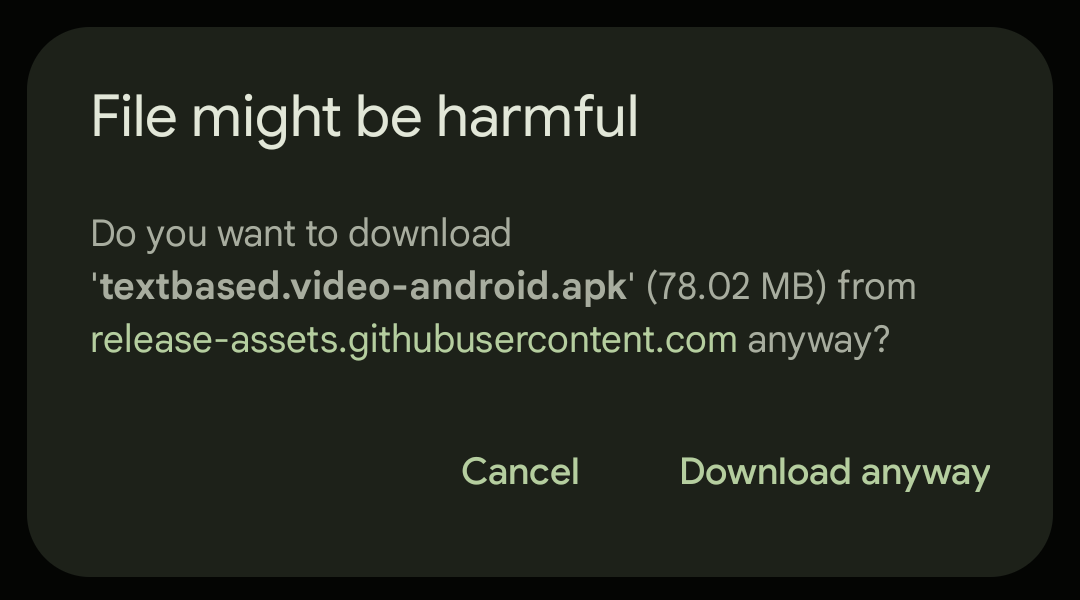
Tap Download for Android. Chrome says File might be harmful. Tap Download anyway.
2Open the file
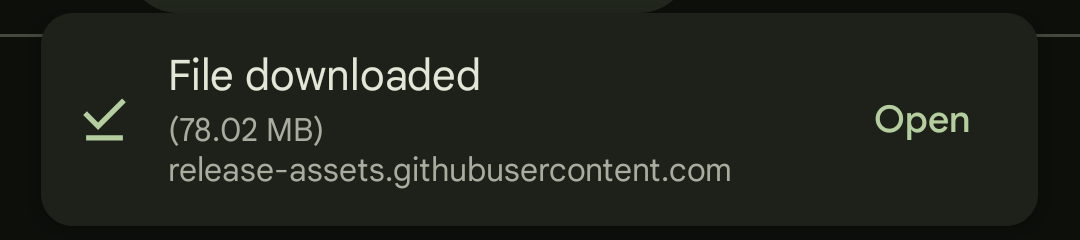
When it says File downloaded, tap Open. That message goes away after a few seconds; if you miss it, tap Chrome's ⋮ menu, then Downloads, and tap the file.
3Allow installs from Chrome
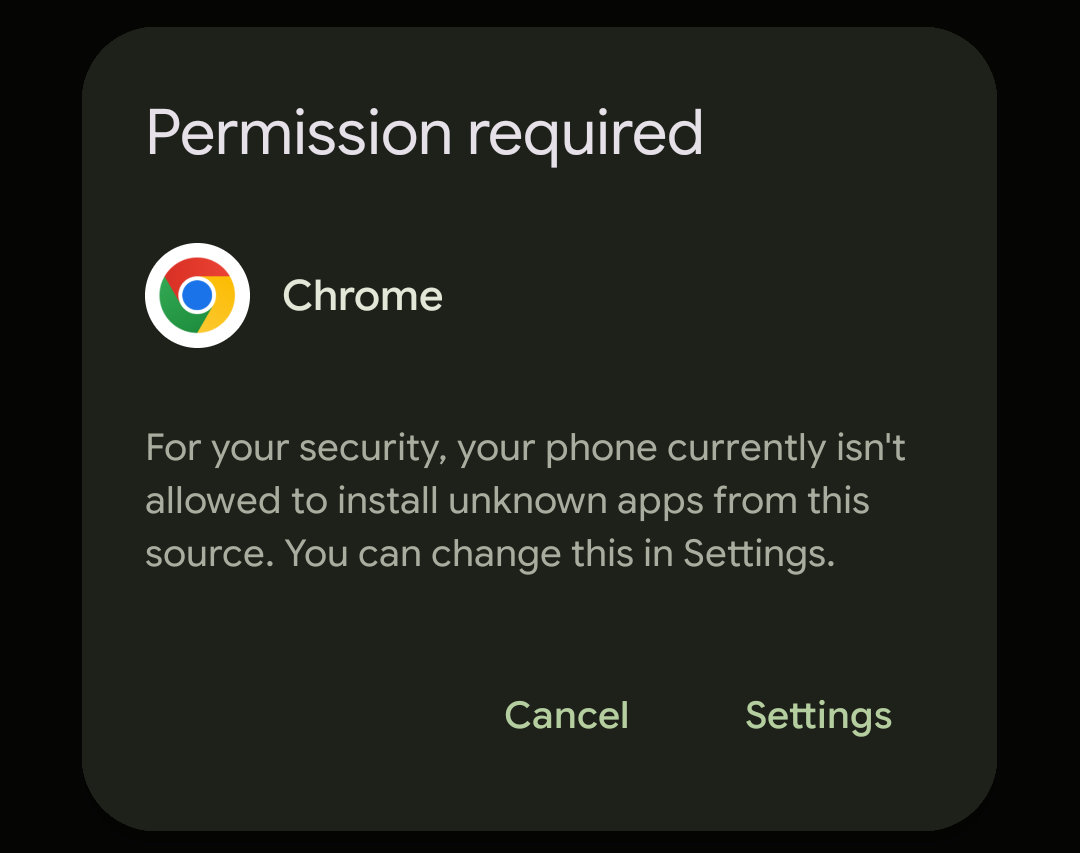
Your phone says Permission required. Tap Settings, then turn on Allow from this source.
4Install
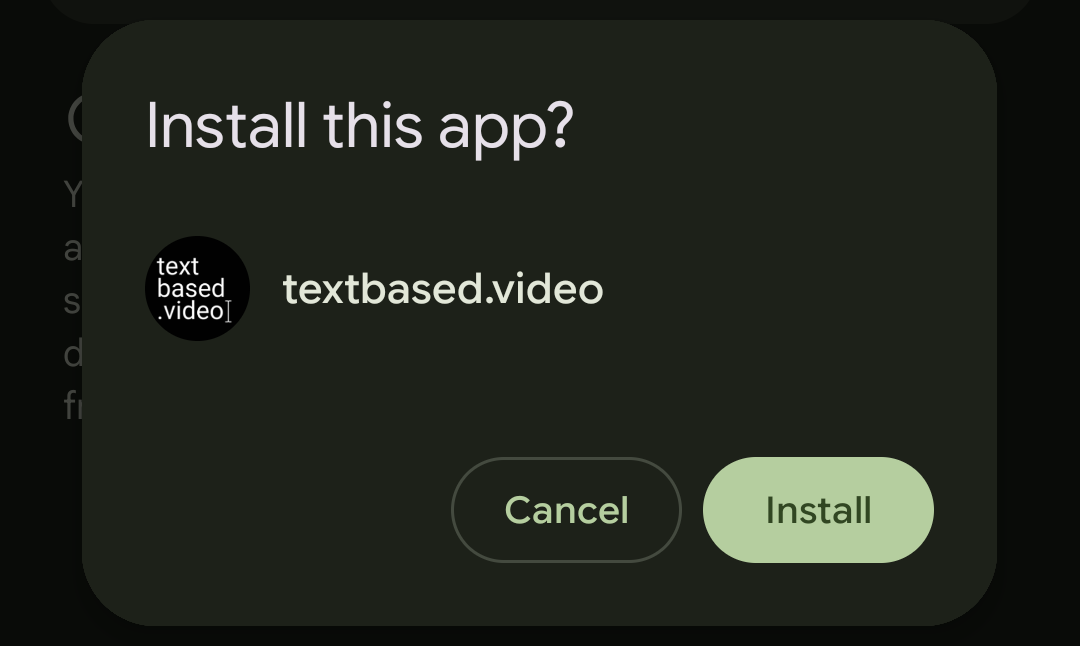
Install this app? pops up by itself. Tap Install.
5Get past Play Protect
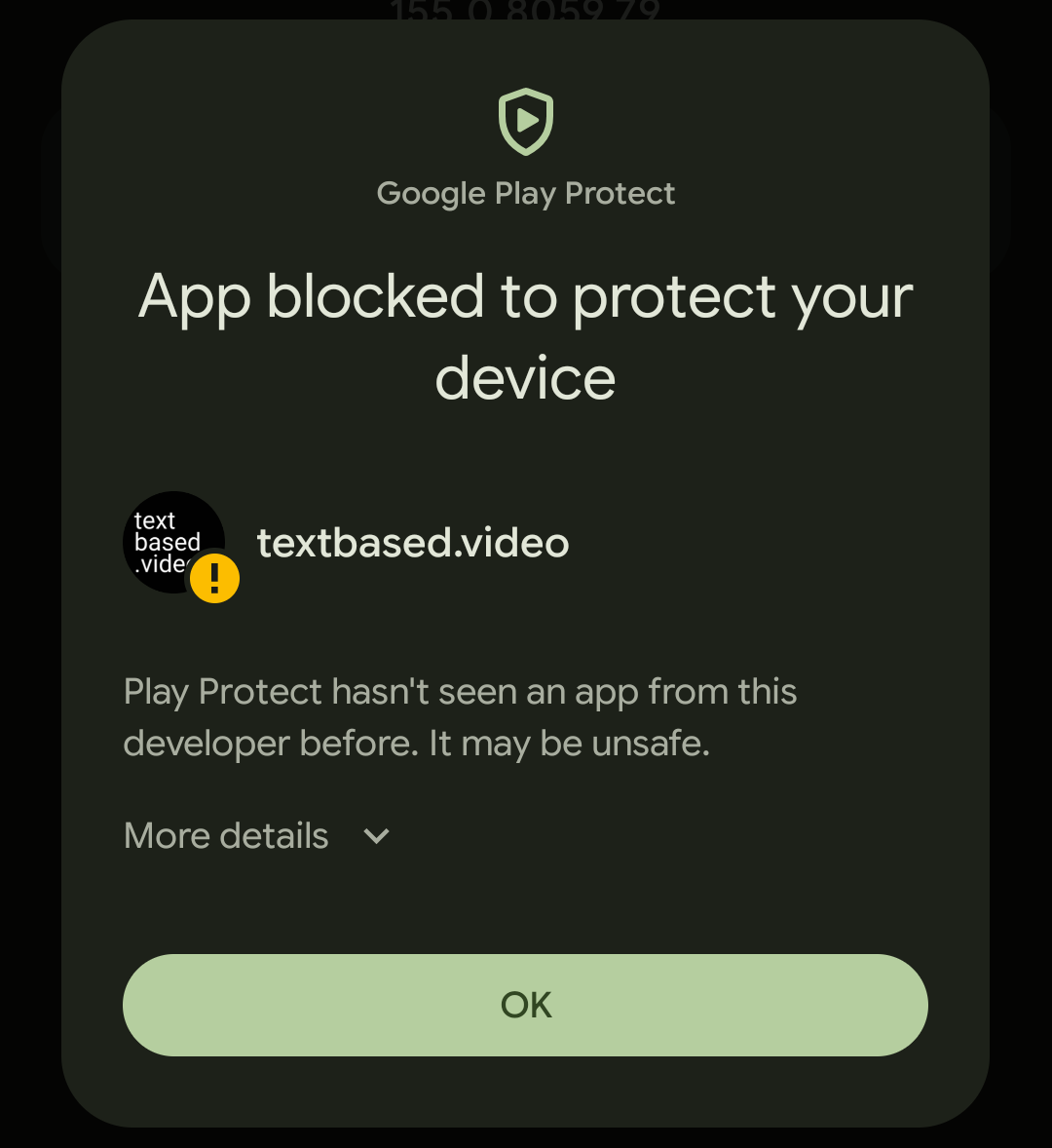
Google Play Protect says App blocked to protect your device, because it hasn't seen an app from us before. Don't tap OK, as that cancels the install. Tap More details, then Install anyway.
6Open it
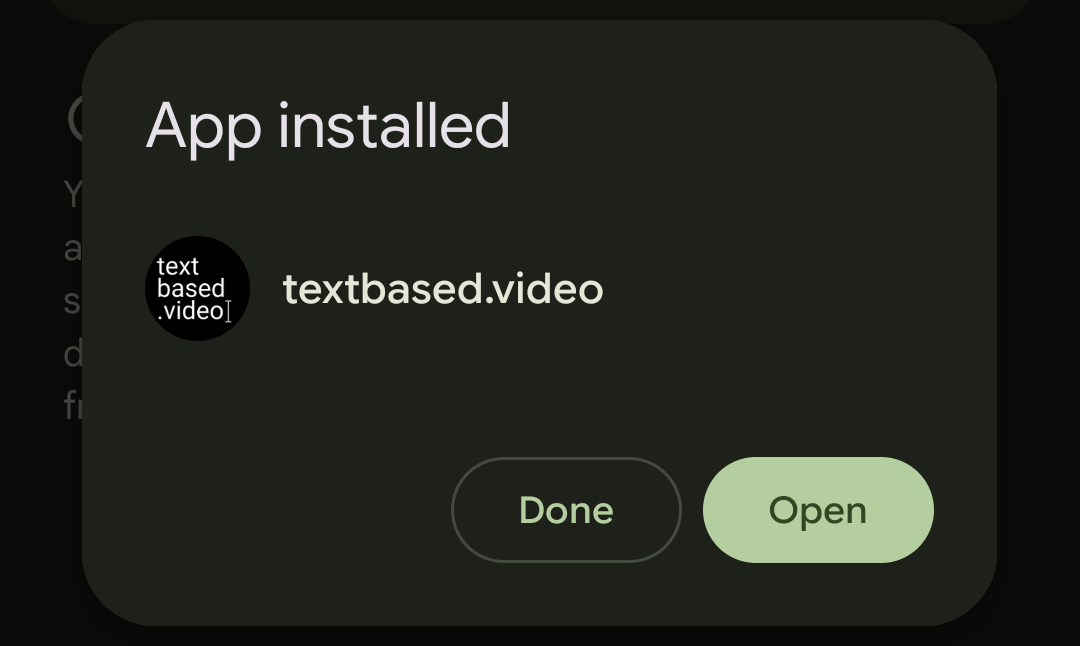
When it says App installed, tap Open. The first time you start a long job, like writing out an interview, allow notifications so you can see its progress while you use other apps.
Updates
The app checks for a new version once a day. When there is one, it shows A new version is available: tap Download to come back to this page, then install it the same way. It installs over the old one and keeps your projects.
If something goes wrong
“App not installed”
This usually means an older copy is on your phone that was made differently. Uninstall it first, then install again. Uninstalling removes the projects in that copy, so send yourself anything you need from it first.
Samsung phones: Auto Blocker
If your Samsung won't let you install at all, check Settings → Security and privacy → Auto Blocker. It has to be off to install apps from outside the store.
Still stuck? Email support@textbased.video.